Installing DRIVE from Github#
This installation method assumes that you are familiar with Git and Github, the commandline, and python’s Anaconda package manager and that these programs are installed/can be install on whatever computing environment you are using. You will have to use all of these tools so you will need to be familiar enough with each one to run the example commands. If you wish to read the documentation for each of these then they will be listed below:
Git: Git Website
Github: Github Website
Commandline Interface: This is probably overkill but here is a very indepth CLI tutorial
Anaconda Anaconda Website
Optional Tip
You can also use Poetry to install the program. Poetry is a python package manager (another alternative to Pip and Conda and all the other package manages) that has good dependency resolution to create a reproducible environment. You can read more about the project here [Poetry documentation](https://python-poetry.org/) and the steps to install it are described here [Poetry Installation](https://python-poetry.org/docs/#installation). For individuals wishing to contribute to DRIVE development, Poetry is the current recommended way to install DRIVE. Poetry allows for individuals to install the necessary development dependencies to properly format and commit the code so that they can contribute to the repository.
Steps to installing DRIVE:#
Step 1: Clone the Github repository:#
You can clone the Github repository into your local environment using the command shown below:
git clone https://github.com/belowlab/drive.git
You should now have a directory called drive. You can check if this exists using the command:
ls drive/
The process should look similar to the screencasts below:
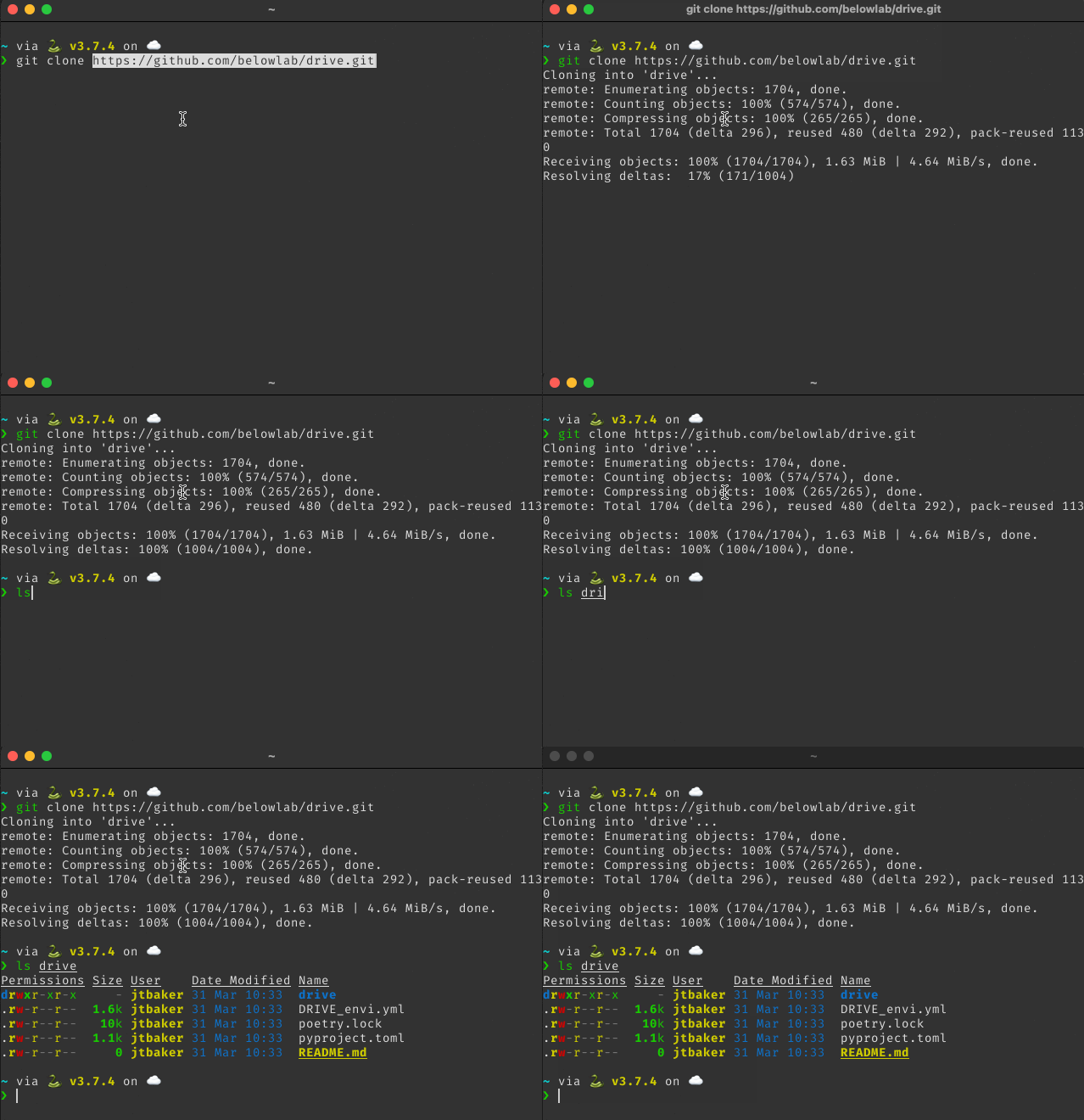
If you see a directory file tree then the program cloned correctly. If you receive an error saying that the directory does not exist, then you will have to debug the error to move onto step 2.
Step 2: Installing necessary dependencies:#
if not using Poetry or are not interested in developing the project:
If you are not using Poetry than you can directly clone the conda environment.yml file using the following command:
conda env create -f DRIVE_envi.yml
Make sure that you are in the drive directory. This command will create a virtual environment called DRIVE using python 3.6 with all the required dependencies.
If using Poetry:
If you are using poetry you will first have to create a new [conda environment](https://conda.io/projects/conda/en/latest/user-guide/tasks/manage-environments.html) or [virtual environment using venv](https://docs.python.org/3/library/venv.html) and then activate the environment.
Warning
DRIVE has only been tested with python >= 3.6 and python <= 3.9. Other version of python may not work. For this reason it is currently recommended to specify the python version within this range.
Once you have created and activated the environment, you can install the necessary dependencies using the following command:
poetry install --without dev, docs
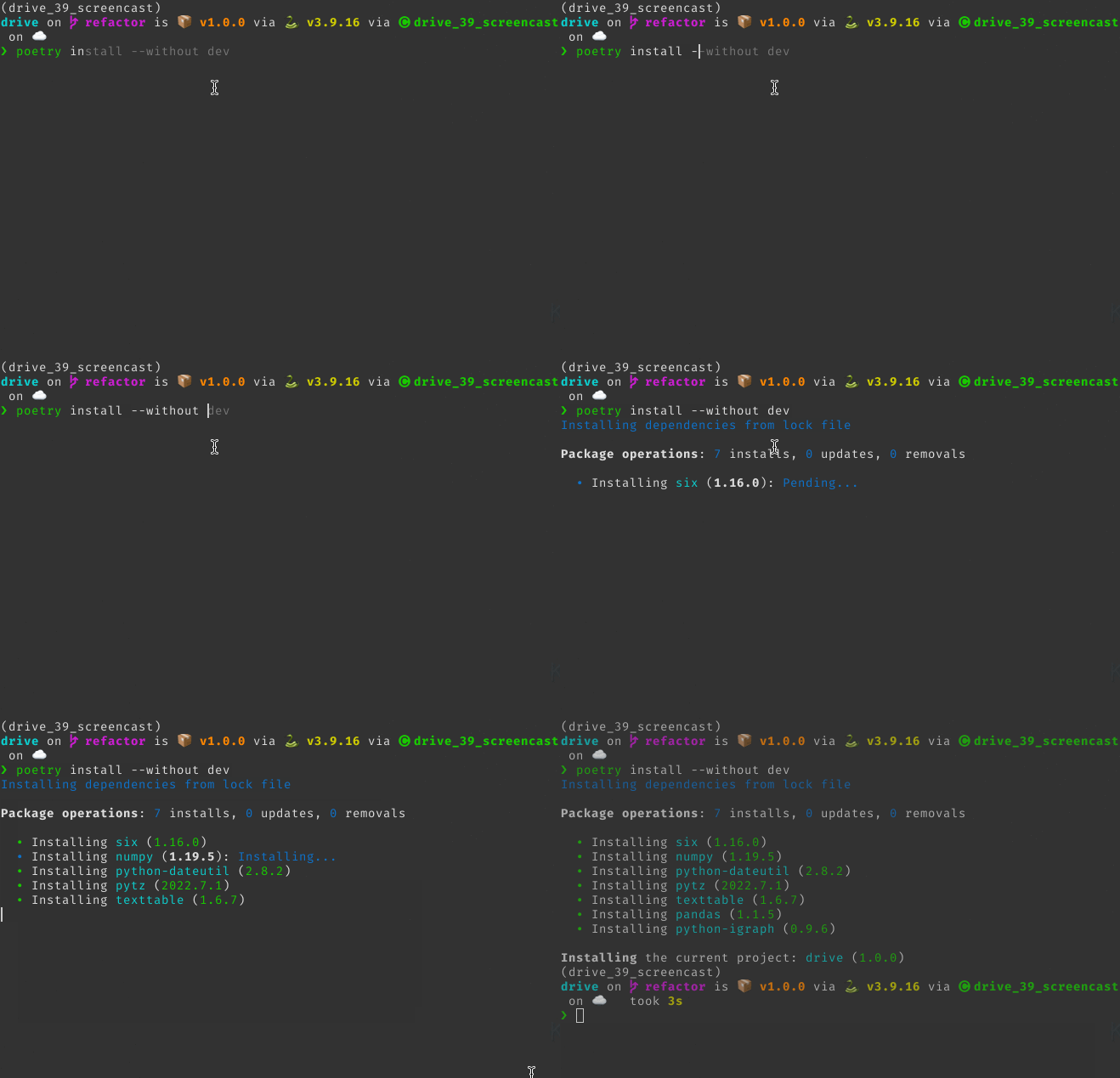
This command will install all of the runtime dependencies and not the developer dependencies. If you are developing the tool then you can use the command
poetry install --with dev
If successful you will have all the dependencies you need to run the program. You can check this by running the command:
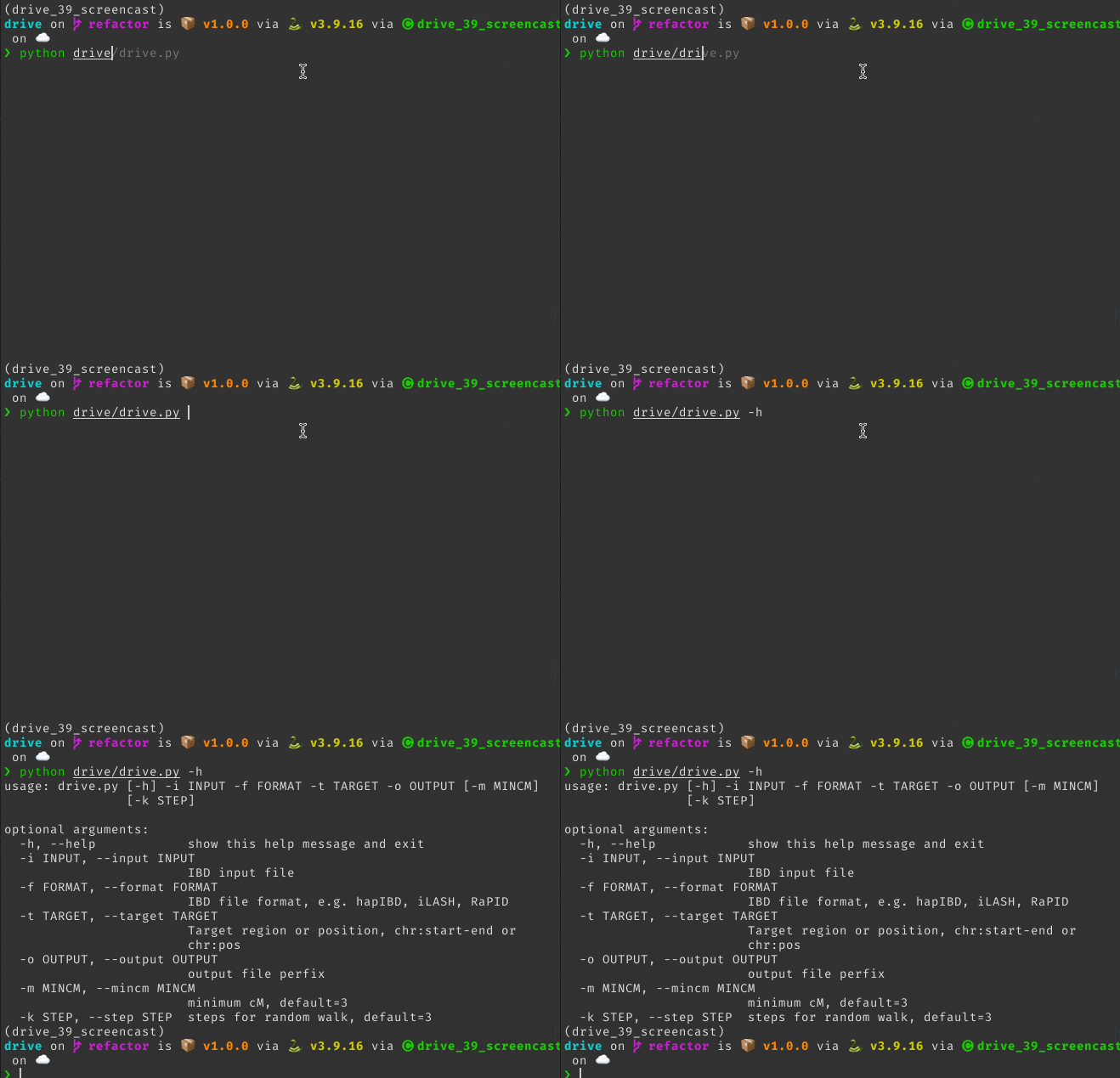
python drive/drive.py -h
you should see the DRIVE cli as shown below: